Table of Contents
Maintain accurate employee information to support payroll, leave, attendance and reporting.
1. Prepare the employee record #
Gather the employee’s identification, employment dates, department, position and approved payroll details.
2. Create the profile #
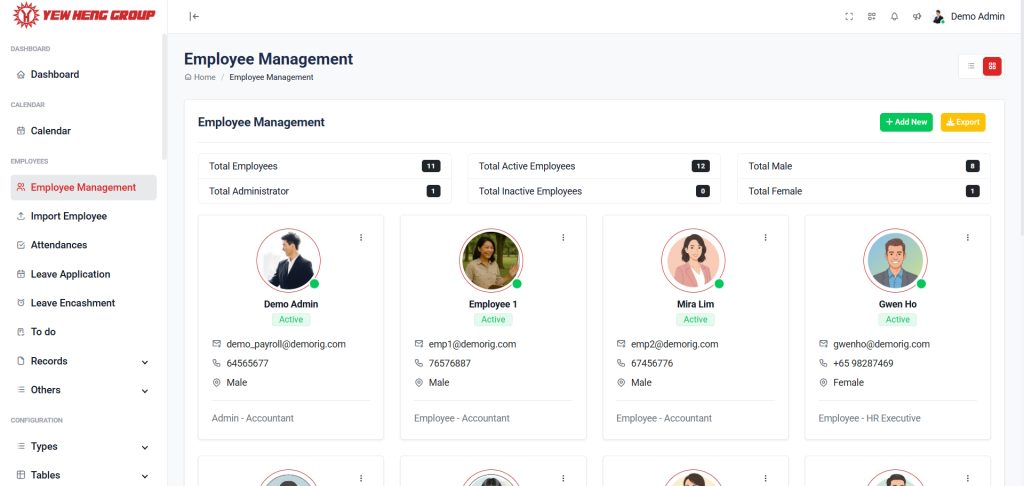
Add the employee and complete the required fields. Check that the employee identifier is unique.
3. Review payroll and working arrangements #
Confirm salary components, working schedule and leave settings with the authorised HR or payroll administrator.
4. Maintain changes #
Update approved changes promptly. Check the effective date and review the profile before the next payroll cycle.
Reference screenshots #
Use these screenshots alongside your current application configuration.